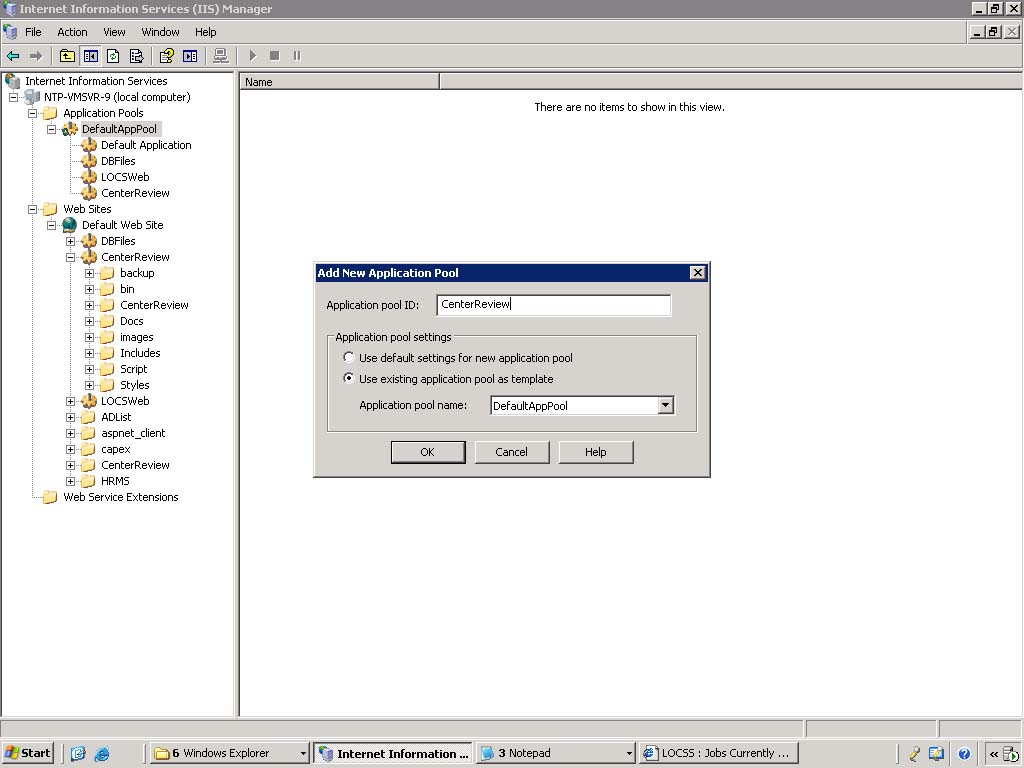
- On the taskbar, click the Start button and then click Run.
- In the Open box in the Run dialog box, type inetmgr, and then click OK.
- In IIS Manager, expand the local computer and then click Web Service Extensions.
- In the right pane, right-click ASP.NET and then click Allow. The status of ASP.NET changes to Allowed.
- Need to Allow all frameworks.

- In the Open box in the Run dialog box, type inetmgr, and then click OK.
- In IIS Manager, expand the local computer and then click Web Service Extensions.
- In the right pane, right-click ASP.NET and then click Allow. The status of ASP.NET changes to Allowed.
- Need to Allow all frameworks.

05:11 |
Category:
IIS
|
0
comments